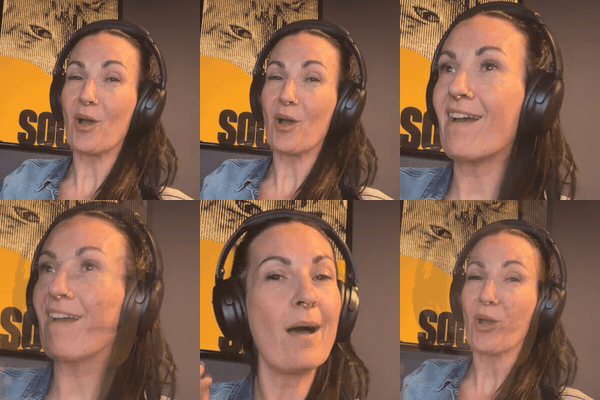
A photo that moves gets looked at. That's the whole strategy.
I don't use a GIF app or a designer for these. I give Claude a photo I already love, tell it what I want to move, and it builds the GIF on my laptop with free tools. Here are three I made from our existing images, start to finish.
The one trick: move one thing
Keep the photo perfectly still and animate just one thing on top. A word, a button, a light leak. It looks more expensive, and the file ends up tiny. When I let the whole photo zoom and shimmer, my first banner was 16 MB. Still photo plus one moving thing? 0.2 MB.
1. The moving banner
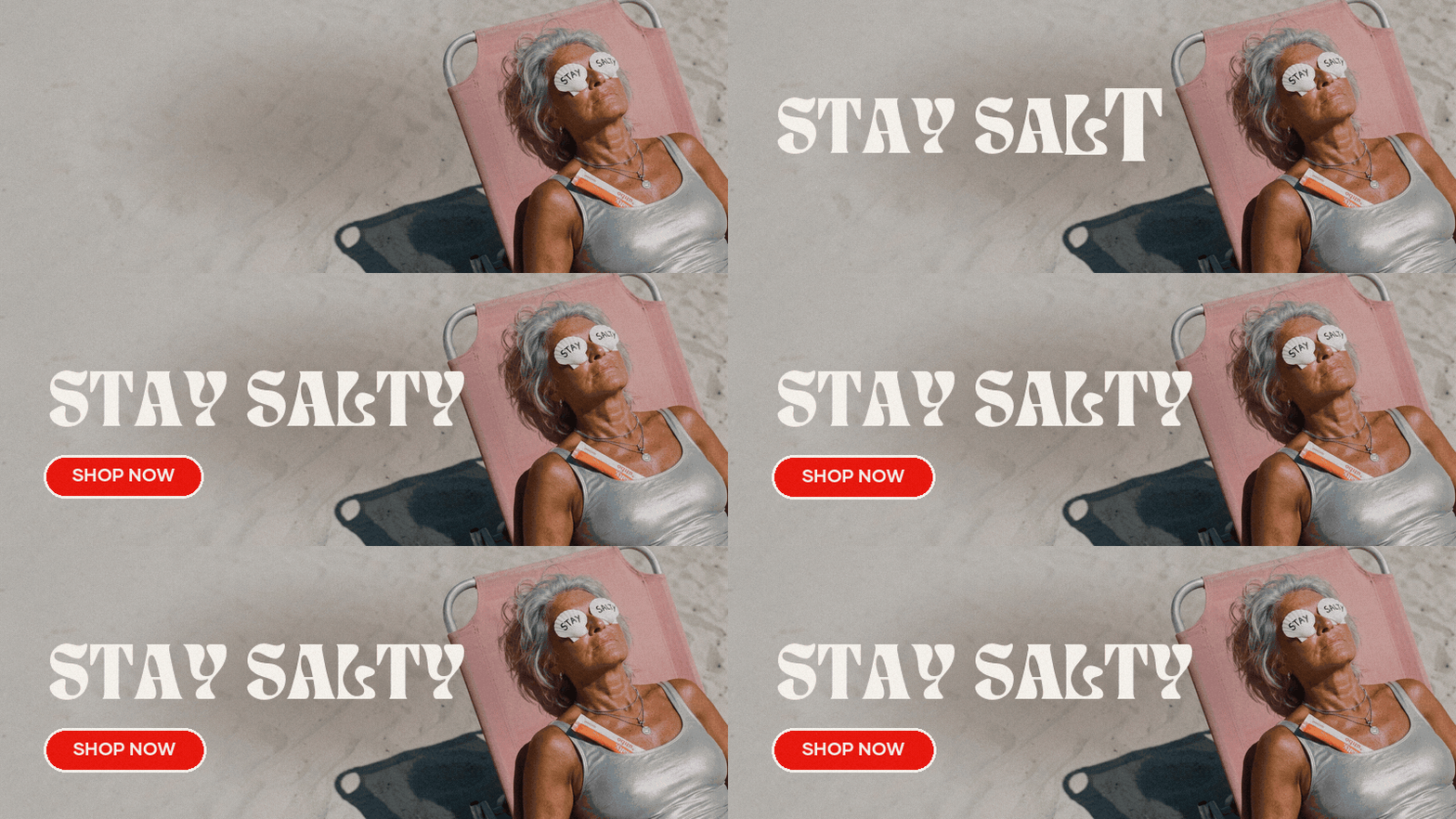
Turn [banner image] into a looping GIF at [800x300]. Keep the photo completely still. Stamp in the headline "[YOUR WORDS]" one letter at a time in my brand font [font file], then show a [colour] Shop Now button that gently pulses. Hold the last frame for a second before it loops. Keep it under 1 MB.
2. The photo that breathes
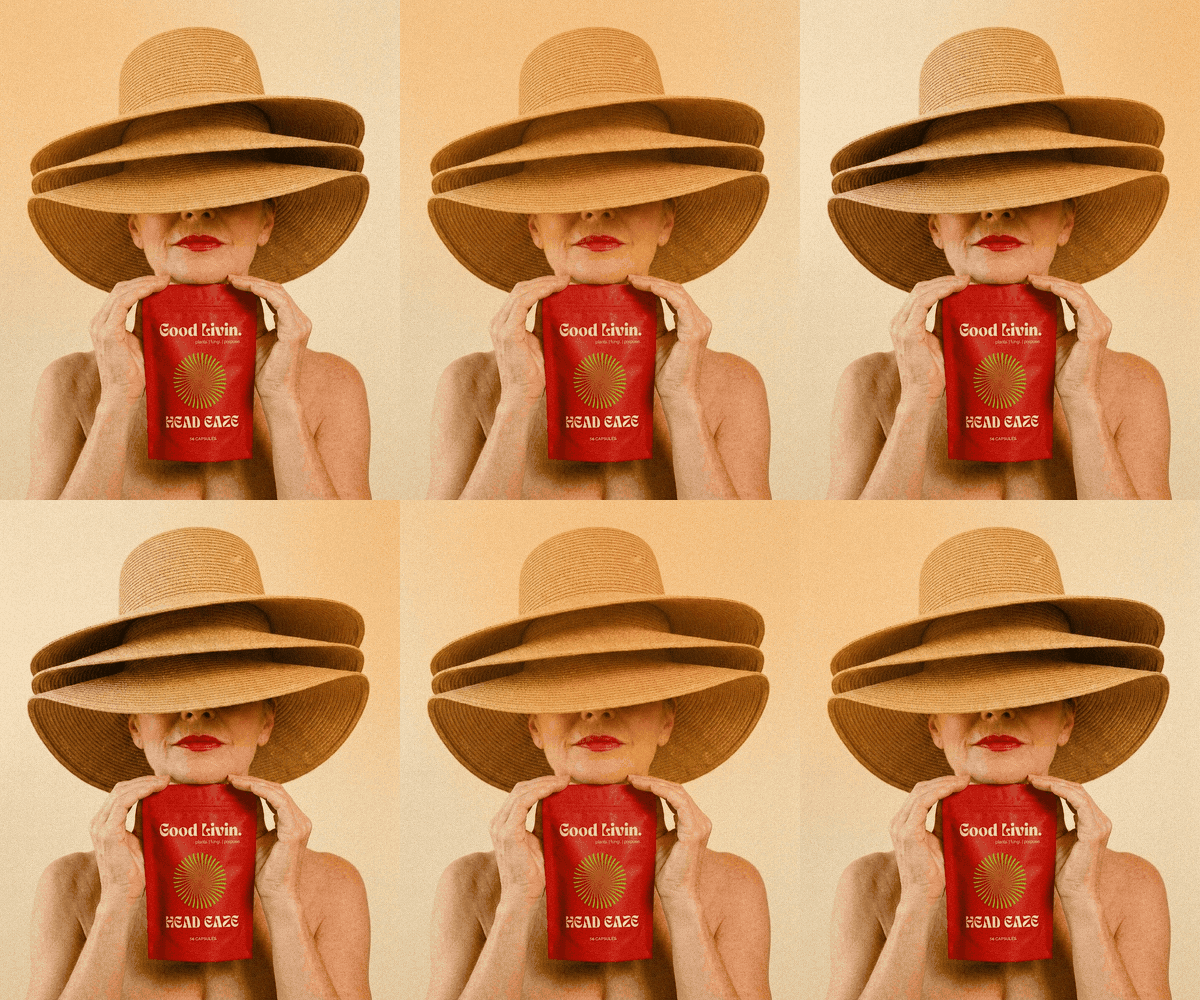
Make [photo] into a seamless looping GIF at [400x500]. The photo stays still. Add a soft, warm [orange] light leak that drifts slowly across and back, plus a little film grain. It should loop with no jump.
3. The flavour flipbook
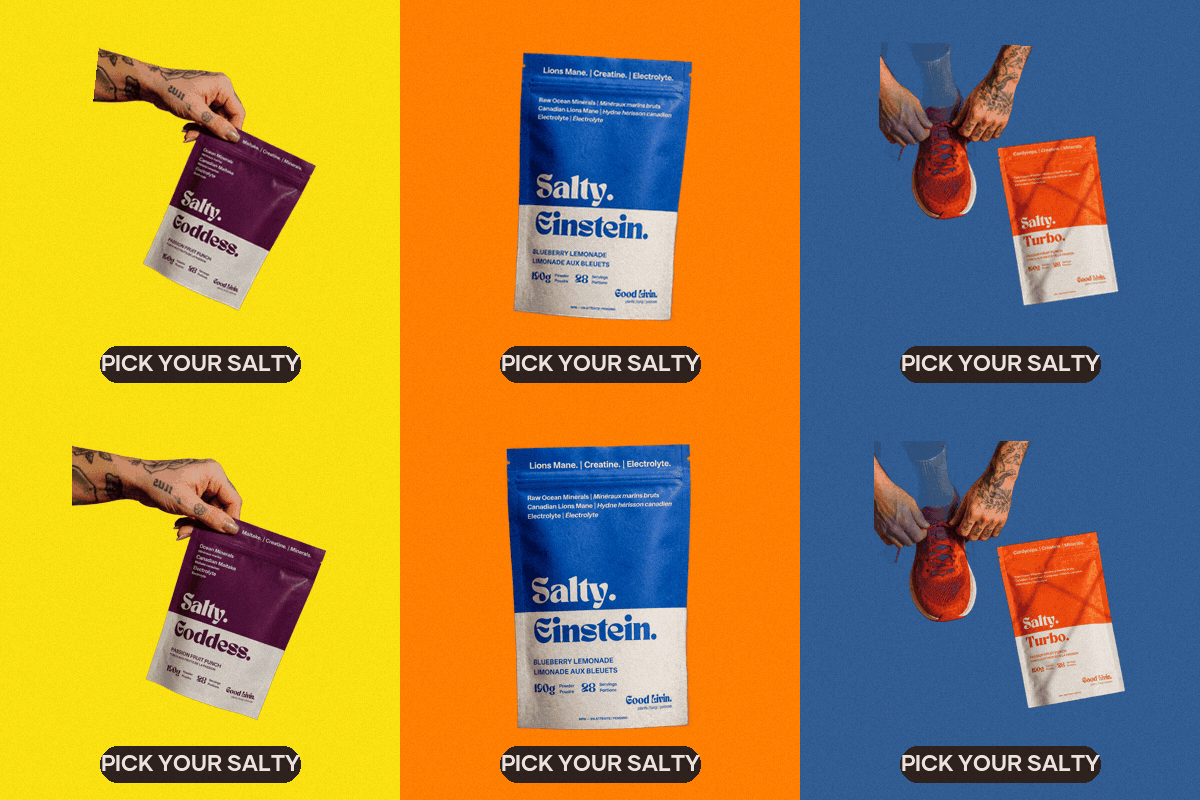
For this one Claude cuts each pouch out of its photo first (it removes the background with a free tool called rembg), then drops each one onto a flat colour. Check the cutouts! If a hand or a shoe is part of the shot, tell it whether to keep it.
Cut out the products in these photos: [photos]. Put each one on its own flat colour from my palette [hex codes], and make a GIF that flips through them with a small bounce, about half a second each. Add a little pill at the bottom that says "[YOUR WORDS]". Square, 400x400, under 1 MB.
Sizes that work
- Emails: 600px wide or smaller, under 1 MB. Some Outlook versions only show the first frame, so make sure frame one makes sense on its own.
- Website banners: GIFs work, but for big full-width banners a short MP4 looks sharper and loads faster. Ask Claude for both and use whichever your site supports.
- Product pages: square, and keep it short so it doesn't feel like it's shouting.
- Make a mobile version of any banner. A wide GIF squished onto a phone is sad.
Then give feedback like a bestie
Same as with images: look at it and say what you feel. "The type is covering my face, make it smaller." "Too busy, slow it down." "The colours look muddy." Claude adjusts and re-renders in a minute.